

Easy Age Verify
Age gate WordPress and WooCommerce in minutes using yes/no buttons or birthdate validation.

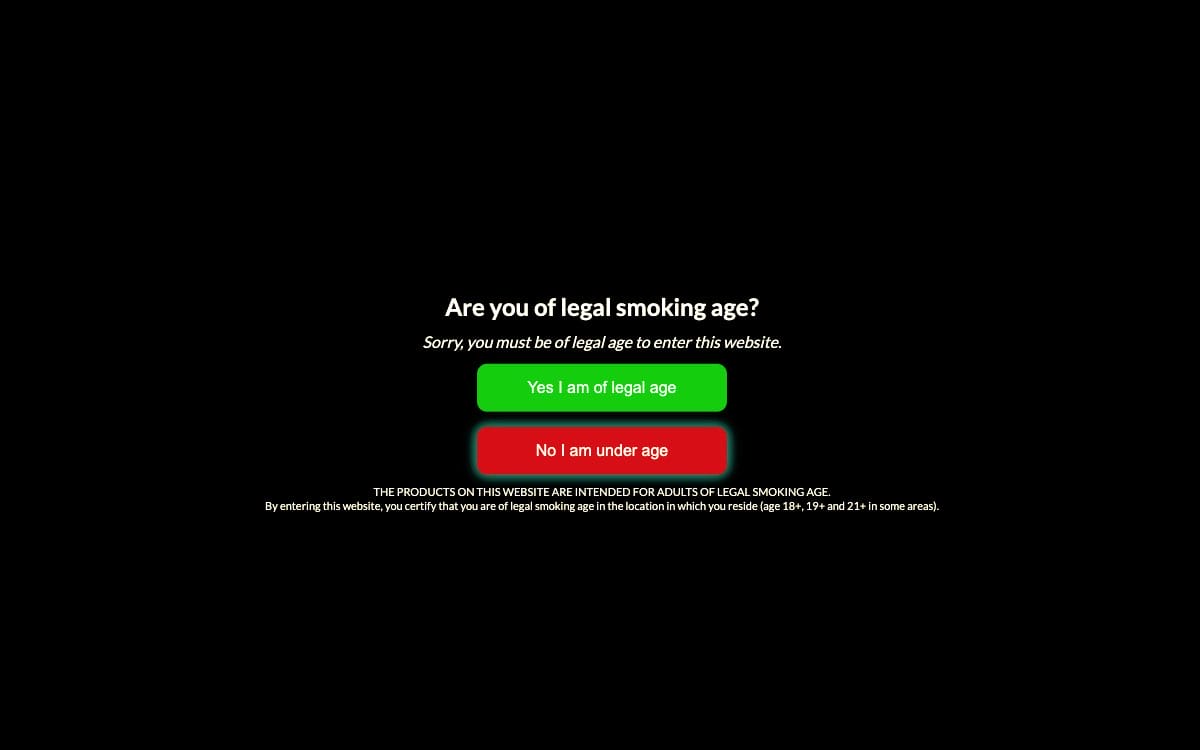
Adult, alcohol, and vape age verification has never been so easy!

No coding

Get compliant

Works fast
Packed with modern features
Branding + styling control
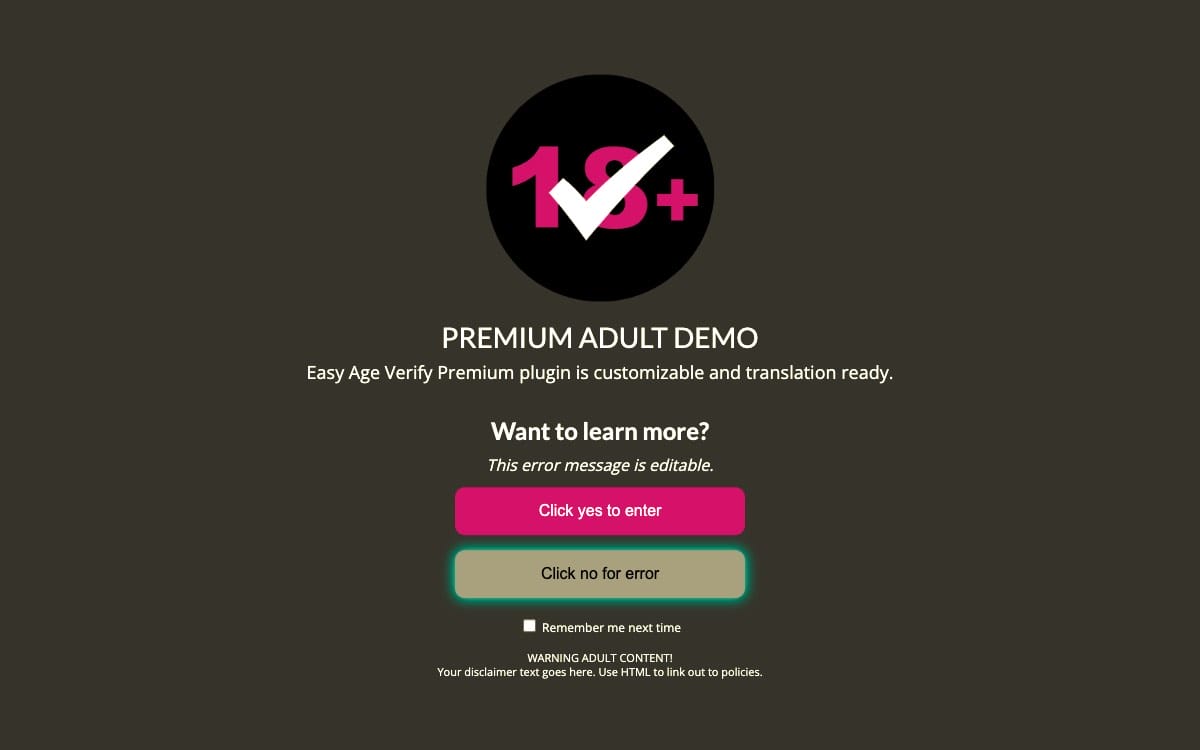
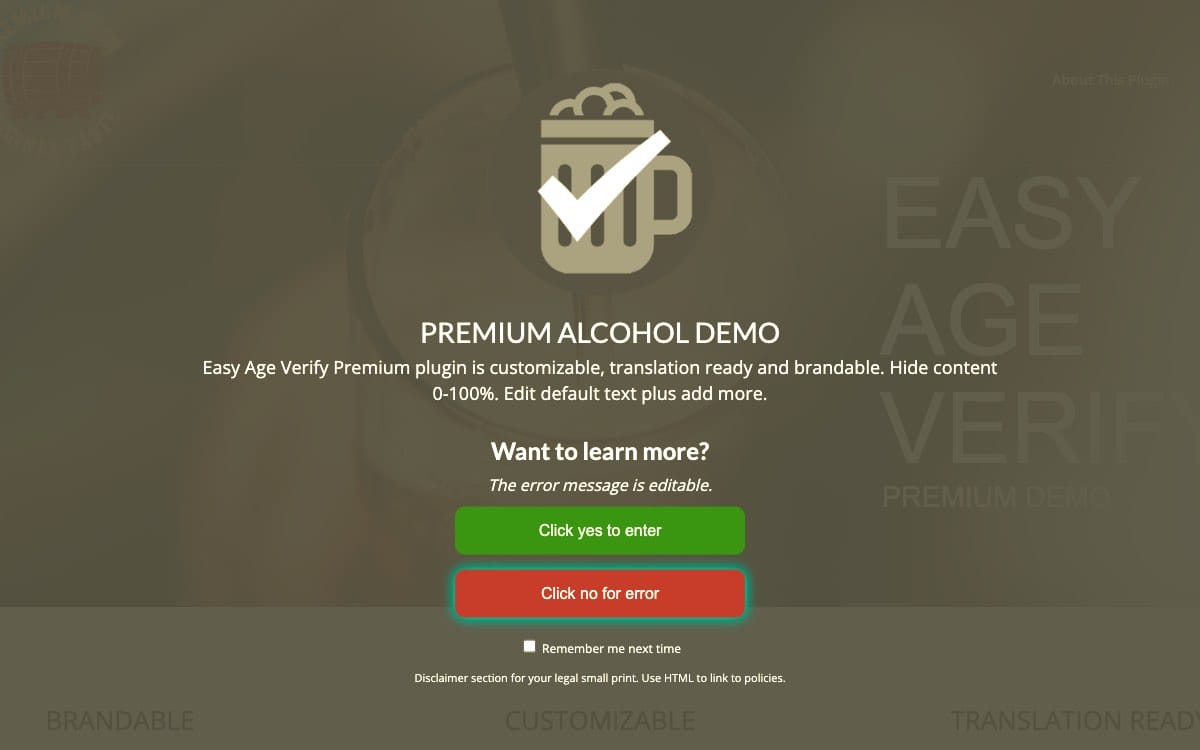
Adjust transparency, add your logo, and change the colors.
✓ New features: a box around the form and gradient colors
Modern, responsive design
Age window displays perfectly across devices. Pop-up blockers can't stop it, and it doesn't block SEO.
Page targeting / selective gating
Display age verification on specific pages, such as the shopping cart.

Watch how it can be customized
One-click configuration
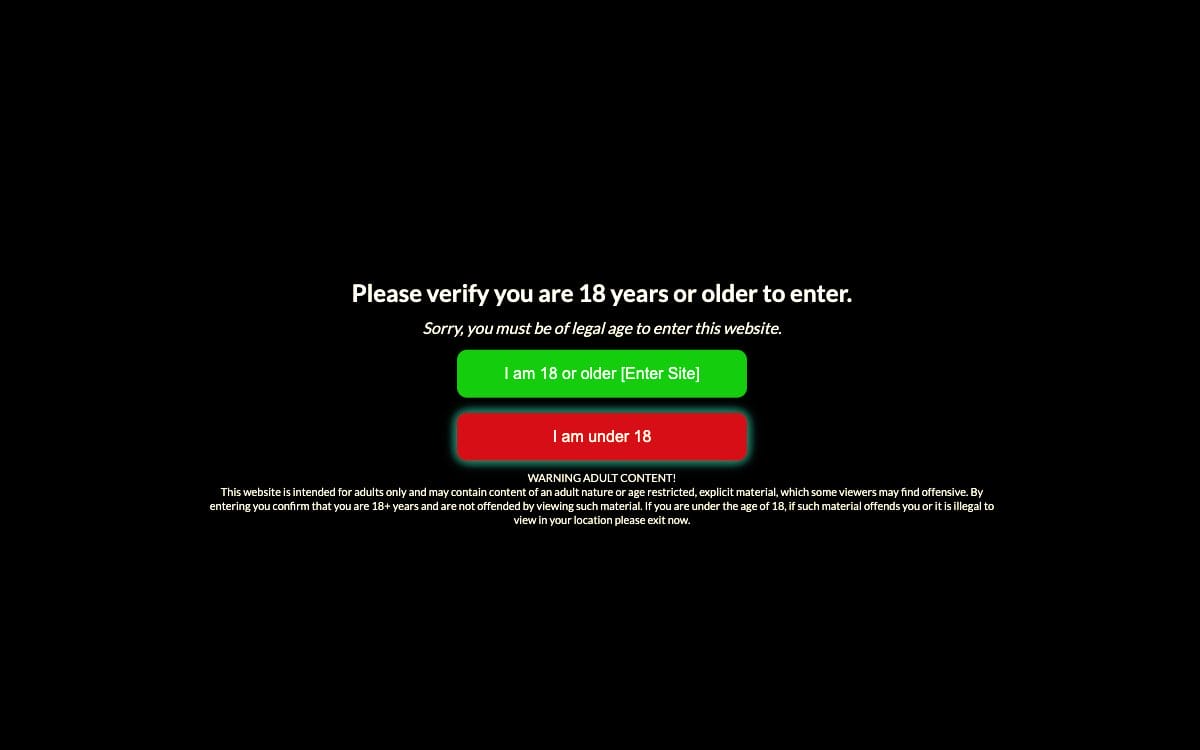
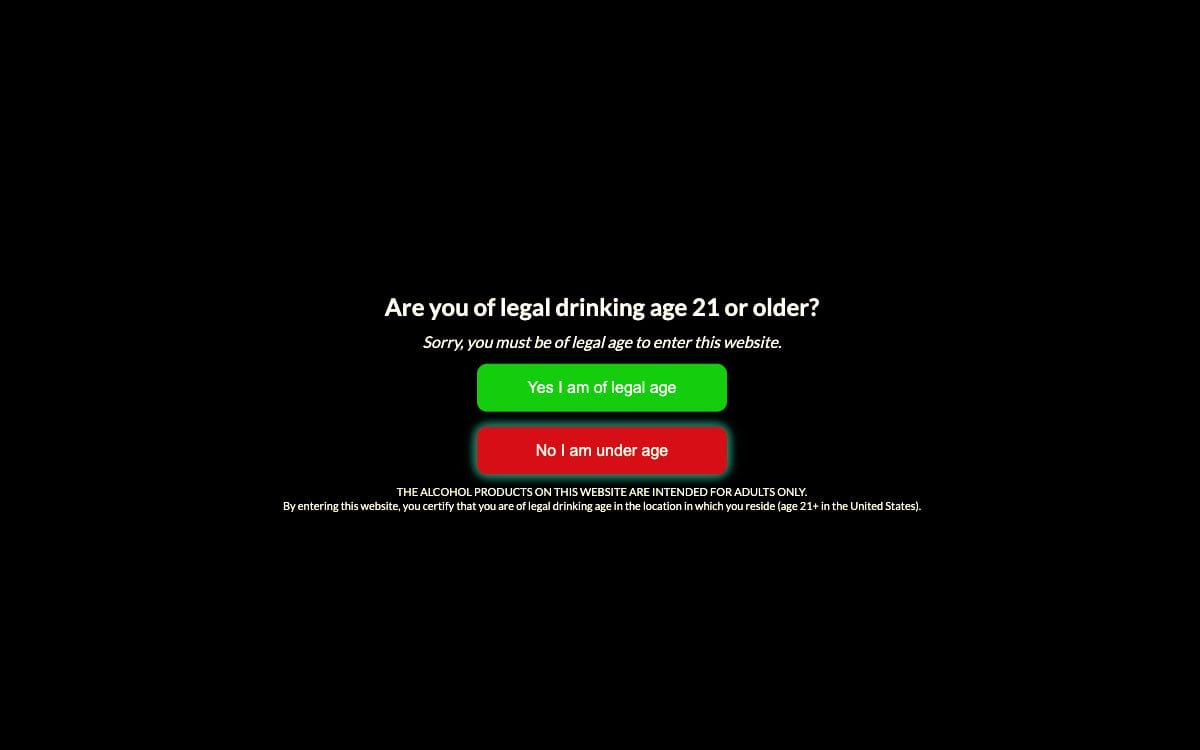
The plugin includes one-click settings with specific messaging for adult, alcohol, or vape age compliance.
✓ New feature: validate birthdate
Welcome customers
Craft a great customer experience with your messaging and branding.
Localization / translation ready
Customize or translate default text to verify anything, anywhere, in any language.
View a Live Demo


Top Rated Plugin


Plans
Premium
Starting at $3.99/mo
Customizable
- Turnkey Age Settings
- Skip Logged-in Users
- Plugin Updates
- Birthdate Validation
- Edit All Text – Translation Ready
- Hide Site 0-100%
- Page Targeting
- Branding and Styling
- Remember Visitors
- Tech Support
Standard
Free
Turnkey
 Turnkey Age Settings
- Skip Logged-in Users
- Plugin Updates
 Birthdate Validation
- Edit Limited Text
- Hide Site 100%
- Page Targeting
- Branding and Styling
- Remember Visitors
- Tech Support


14-Day Trial + Free Plugin
Start your free trial to download and use the Premium plugin for 14 days. Not ready to upgrade? Your plugin automatically switches to the free version when the trial ends. No cancellation required. You'll never be charged.
Prefer the Standard plugin? Click Free Download under the free plan to download it without starting a trial.
Customer Reviews
FAQ
Learn more before you get started.
• Doesn’t ask for payment info
• 14 days to test everything out
• Nothing to cancel
Step 1: Click the “Start Free Trial” button on this page, then click "Start Trial" to check out for $0.
Step 2: If you’re new to 5 Star Plugins (powered by Freemius), look for a verification email and verify your email address. Check your spam folder if you don’t see it.
Step 3: Next, you will receive an email with your trial license key and download link.
Step 4: Download and install the plugin.
Visit our knowledge base for a detailed Set Up Guide to configure the plugin.
Choose the Premium plugin if you need tech support. Your plan includes priority technical email support with our WordPress experts located in the US.
The Standard plan is our free plugin with limited features and general support through the wordpress.org support forum.
When you start a free trial, it automatically switches to the free plugin at the end of the trial unless you upgrade.
Our knowledge base is full of helpful setup guides and troubleshooting tips.
Need help now? Submit a Premium plugin Support Request .
In addition, your 5 Star Plugins account (powered by Freemius) is where to access downloads and manage plans or billing. Look for an email with your account login after purchase.
Didn’t get the email? Be sure you’ve confirmed your email address. Try checking your spam and folders, or search for emails from @5starplugins.com.
