
FreeScout GPT Pro
Add AI to FreeScout to build a smarter support workflow.

Turn FreeScout Into an AI-Powered Support System

Why use FreeScout AI instead of ChatGPT manually?
The difference is workflow integration and consistency.
Using ChatGPT manually involves switching between tools to copy and paste messages, while agents explain your brand voice and instructions. This process leads to time lost per ticket and inconsistencies across agents.
FreeScout GPT Pro integrates AI assistance seamlessly into your workflow. Your team can work directly within FreeScout, utilizing AI that understands your support resources and instructions configured at the admin level.
A Modern Customer Support System to Assist Your Team
With the growing use of AI, customers expect fast, helpful answers.
To keep up, a modern customer support system should work where your team already works.
FreeScout GPT Pro embeds an AI support assistant inside the help desk on desktop and mobile. Without adding another expensive software subscription for every team member.
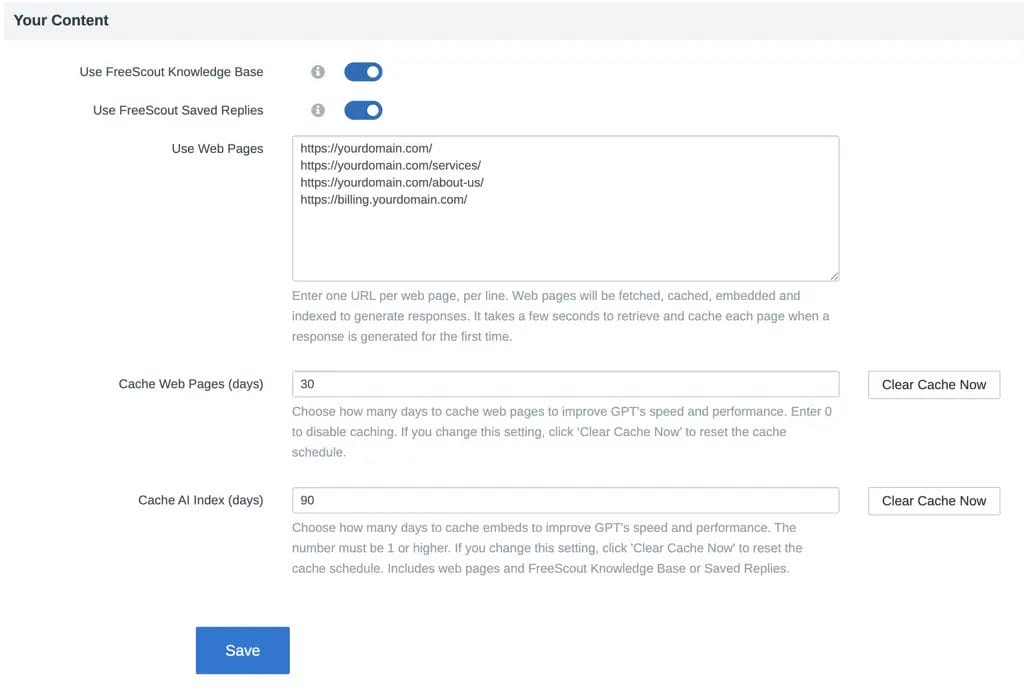

How It Works


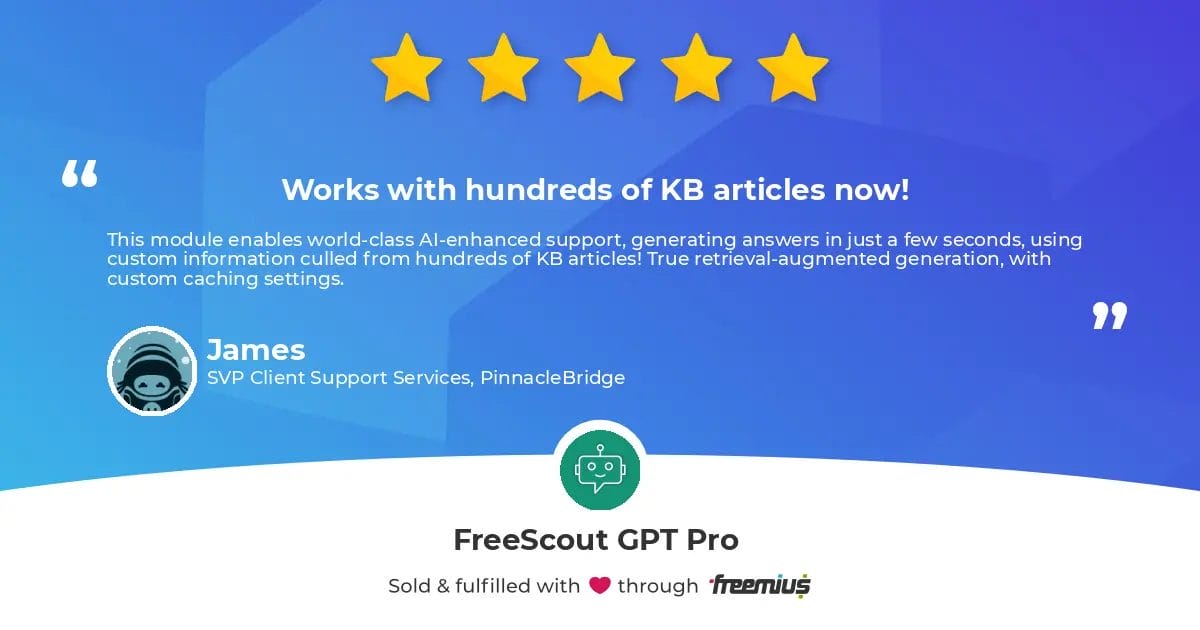
“This module enables world-class AI-enhanced support, generating answers in just a few seconds using custom information from hundreds of KB articles!”

Plans
Premium
Starting at $19.99/mo
- Unlimited Agents
- Multi-Mailbox Support
- OpenAI Integration
- OpenAI-Compatible Gateways
- Customize AI Prompts
- Knowledge Base Integration
- Saved Replies Integration
- External URL Integration
- AI-Generated Answers
- One-Click Insert Into Reply
- AI Response Caching
- Tech Support


14-Day Free Trial
No credit card required, and nothing to cancel at the end of the trial period.
Installation Steps:
- Download the module ZIP file.
- Install the module to your FreeScout server. Visit the setup guide for details.
- Start a free trial or purchase a plan to get a license key and start using the module.
FAQ
Learn more before you get started.
• Doesn’t ask for payment info
• 14 days to test everything out
• Nothing to cancel
Step 1: Click the “start free trial” button from this page, and then "start trial" to checkout for $0.
Step 2: If you’re new to 5 Star Plugins (powered by Freemius), look for a verification email and verify your email address. Check spam and folders if you don’t see it.
Step 3: Next, you will receive an email with your trial license key. Keep it handy, you'll need to enter into the module during installation.
Step 4: Download and install the module. Visit our knowledge base for a detailed setup guide.
Our knowledge base is full of helpful setup guides and troubleshooting tips.
Need help now? Submit a Support Request .
Watch for your account login email after purchase. Your 5 Star Plugins account is where to manage plans, and billing. Check your spam folder if you didn’t get it.
To ensure your platform remains secure and operates smoothly, it’s essential to renew your subscription.
Customer Reviews
Complete Your Help Desk With the FreeScout Plus App
Manage multiple mailboxes and use FreeScout AI from anywhere!
